How to Redeem Grapple Sniper Arena Codes
Exact menu path, platform notes, and fixes when redeem fails.
Redeeming promo codes in Grapple Sniper Arena takes under a minute once you know where the menu hides. This walkthrough covers the in-game path on every supported platform, what a successful redeem looks like, and how to troubleshoot invalid or missing rewards. Pair it with the live list on the Codes Hub—as of November 2026 that list is empty, but the redeem UI is already live for future drops.
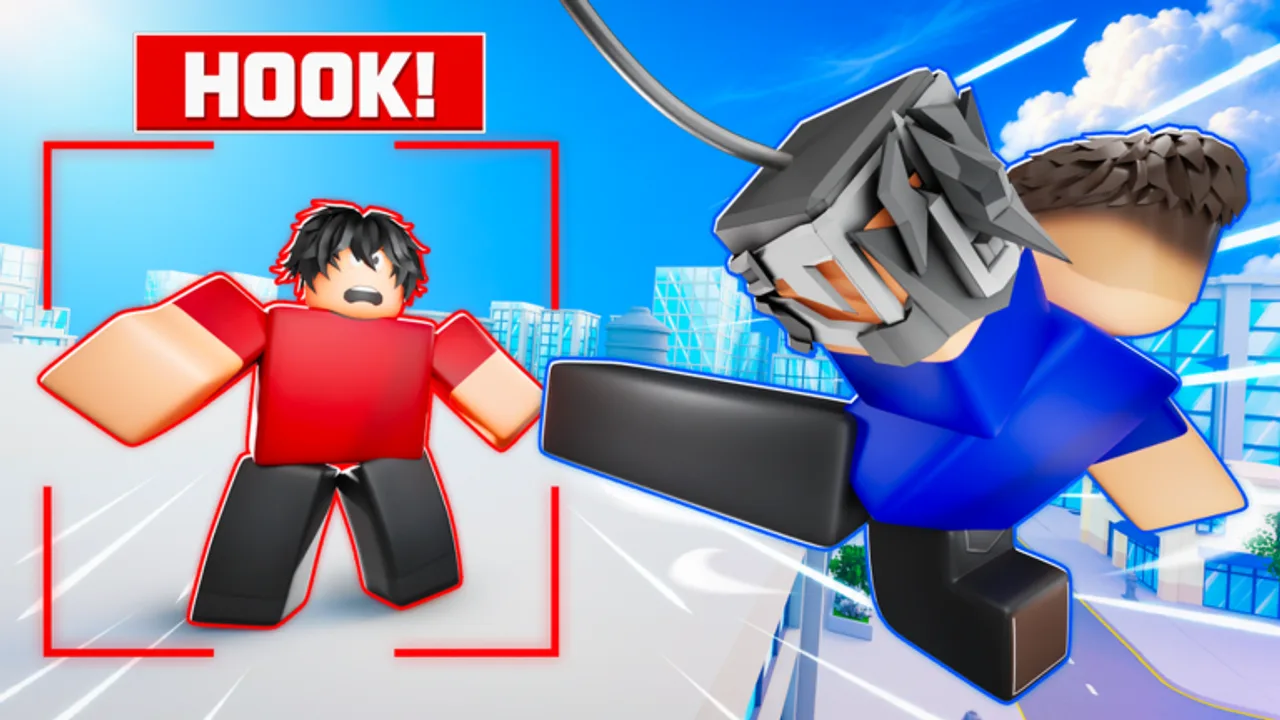
Grapple Sniper Arena is a fast Roblox arena shooter from the Slunce zapadá group: sniper rifles, grappling hooks, and dropkicks across Free For All and Capture the Flag lobbies (about 13 players per server). Coins unlock skins for Sniper, Knife, and Grapple, so free code rewards matter when they appear.
Before you redeem
- Launch the official experience from Roblox (search Grapple Sniper Arena or use the published place linked from this wiki’s play CTA).
- Wait until you fully load into a lobby or match—menus sometimes ignore input during the first loading screen.
- Keep a code string ready from a trusted source. Right now the Codes Hub reports no active codes; do not invent or buy strings from strangers.
- Prefer a stable connection. Soft failures are more common on crowded FFA servers.
Redeem steps (all platforms)
Keyboard / PC
- Join Grapple Sniper Arena.
- Press M, or click the gear / settings control in the top-left of the HUD.
- Scroll the settings panel until you see ENTER A CODE.
- Click the text field and paste or type the code exactly.
- Select REDEEM.
- Watch for a confirmation toast or inventory/Coin update.
Mobile and tablet
- Open the experience in the Roblox app.
- Tap the gear / settings icon in the top-left.
- Scroll to ENTER A CODE.
- Enter the code carefully—mobile autocorrect can break strings.
- Tap REDEEM and wait for the success message.
Xbox and PlayStation
- Load into the experience with a connected Roblox account.
- Open the on-screen settings / gear control (top-left equivalent on the console UI).
- Navigate to ENTER A CODE with the controller.
- Enter the code using the on-screen keyboard.
- Confirm REDEEM. If text entry feels awkward, redeem on PC or mobile on the same account, then return to console play—rewards are account-bound.
What successful redeem looks like
A working code typically:
- Shows a short success notification
- Adds Coins or a cosmetic unlock for Sniper, Knife, or Grapple
- Remains usable only once per account (re-entering the same string later fails)
If the UI closes with no message, reopen settings and check your Coin total before assuming failure. Then hop into a quick Free For All round—see Getting Started if you still need the movement basics—and confirm the currency stuck after a soft rejoin.
Common errors and fixes
| Symptom | Likely cause | Fix |
|---|---|---|
| Invalid code | Typo, wrong case, or expired string | Retype carefully; check Codes Hub for status |
| Already redeemed | You claimed it earlier on this account | Stop retrying; rewards are one-time |
| Nothing happens | UI lag or menu opened mid-load | Rejoin experience, open settings again |
| Cannot find ENTER A CODE | Wrong menu or outdated client | Use top-left gear or M; update Roblox |
| Rewards missing after success | Delayed sync | Leave and rejoin once; check Coin/skin menus |
Never use exploits, alt farming, or bug abuse to “force” rewards. The game rules state that exploiting or cheating leads to a permanent ban. Community executors discussed on the Scripts Hub are not a safe substitute for codes.
Platform checklist
Grapple Sniper Arena supports PC, Mobile, Tablet, Xbox, and PlayStation. Redeem works from the same settings pattern on each client, but text entry quality differs:
- PC — easiest paste workflow
- Mobile / Tablet — disable autocorrect before typing
- Consoles — consider redeeming on a phone logged into the same account if the on-screen keyboard fights you
Account progress, Coins, and skins sync across devices on the same Roblox user. Redeem once; play anywhere.
After you claim a code
Spend Coins deliberately. Cosmetics do not change hit registration, but they can help you read silhouettes in chaotic FFA fights. Use the Tier List Hub when deciding which Sniper, Knife, or Grapple skins to unlock first, and read Players Hub for Free For All versus Capture the Flag mindsets so your free Coins support the mode you actually queue.
Also skim the Updates Hub and changelog. Codes often appear around patch spikes—the experience launched on 2026-10-06, and community trackers noted activity spikes later in November. Fresh strings usually land on Discord first, then get mirrored onto this wiki’s Codes Hub after verification.
Safety and scam avoidance
- Official redeem happens only inside the experience settings panel described above.
- Nobody from “Roblox Support” needs your password to “apply a code.”
- Discord links that ask you to download a random executor to “unlock codes” are scams—read the warnings on the Scripts Hub.
- If a site lists dozens of flashy codes while every major tracker shows none, assume they are outdated scrapes.
Quick reference
- Top-left gear or press M
- Scroll to ENTER A CODE
- Type → REDEEM
- Confirm Coins/skins → play
When new codes go live, return to the Codes Hub for the verified list, then follow this page if the menu path ever changes after a UI update. For first-hour combat and grapple fundamentals, continue with Getting Started and the broader Guides Hub.
Related pages
- Codes Hub — active and expired code status
- Getting Started — beginner fundamentals
- Updates Hub — when drops often coincide with patches
- Scripts Hub — why cheats are not a codes shortcut
- Wiki overview — what this fan resource covers
Frequently Asked Questions
Quick answers about Grapple Sniper Arena mechanics, modes, and rewards.
Where is the code box in Grapple Sniper Arena?
Open the gear/settings panel from the top-left, or press M on keyboard, then scroll to ENTER A CODE and use REDEEM.
Can I redeem codes on console?
Yes. Use the in-experience settings menu on Xbox or PlayStation, or redeem on PC/mobile with the same Roblox account.
Why does my code say invalid?
It may be mistyped, case-wrong, expired, or never real. Check the Codes Hub for the current verified list.
Do I need to redeem on every device?
No. Rewards attach to your Roblox account and sync across PC, mobile, tablet, and consoles.
Are there active codes to redeem today?
As of November 2026 the Codes Hub lists no working codes. Keep this redeem path ready for the next verified drop.