Grapple Sniper Arena Controls for Every Platform
How to move, hook, shoot, and dropkick—plus how to confirm binds in-game.
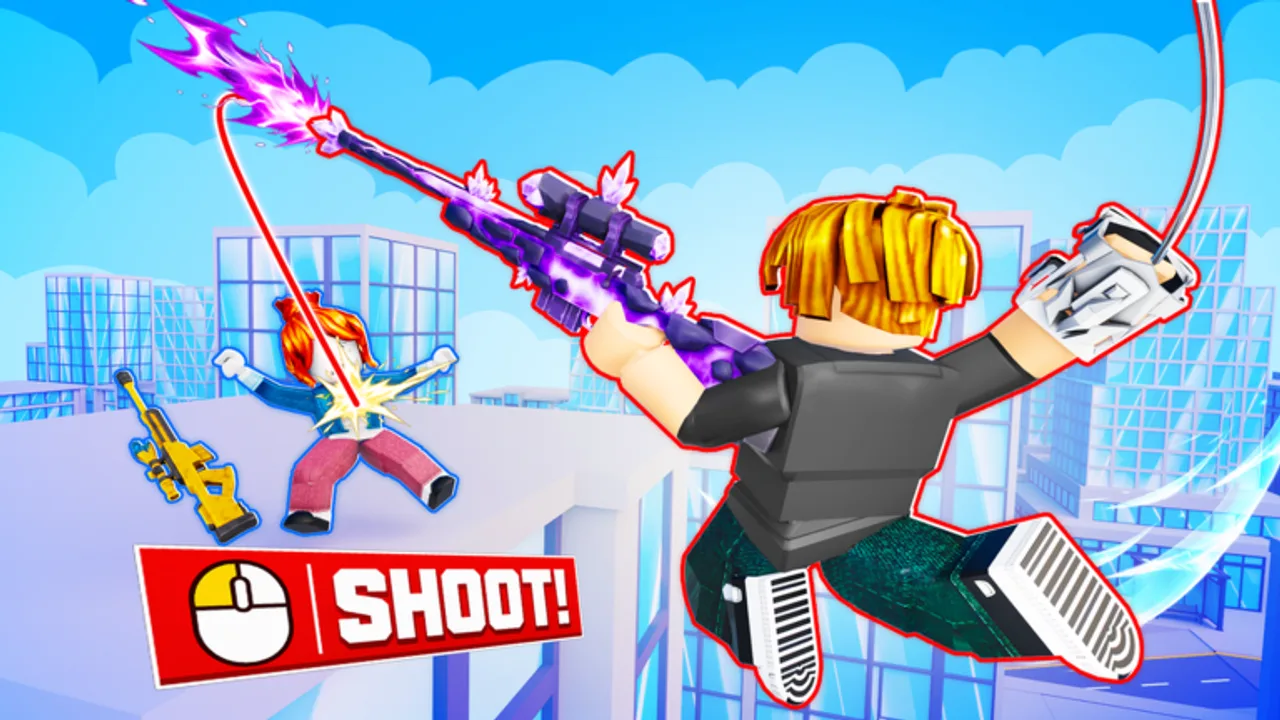
Clean inputs win more fights than raw aim in Grapple Sniper Arena. You juggle movement, a traversal grapple, enemy hooks, sniper fire, knife range, and a committed dropkick—often while swinging. This guide explains how those actions usually map on PC, mobile/tablet, and console, then tells you how to verify everything inside the experience. Exact keybinds are not always published in a single official chart and can shift with patches, so treat the tables below as a practical baseline, not gospel.
Before you memorize anything, open the in-game settings after you join a server. Confirm look sensitivity, invert options if you use them, and any on-screen button layout toggles. A five-minute settings pass prevents an hour of “why won’t I hook?” frustration.
Universal action list
Regardless of platform, you need reliable access to these actions:
- Move — walk and sprint around the arena floor and ledges.
- Look / aim — camera control for sniper tracking and grapple targeting.
- Jump — leaves the ground for swings, peeks, and dropkick setups.
- Fire sniper — primary ranged attack; timing beats spray.
- Grapple / hook — latch onto world geometry for traversal or onto players to pull.
- Knife / melee — close-range pressure after a successful pull or swing landing.
- Dropkick — aerial or leaping melee finisher with commitment and recovery.
- Menu / settings — gear icon on all platforms; on PC the M key is commonly used to open menus that include code redemption.
If any of those actions feel missing, dig through settings and control prompts before assuming a bug. New players sometimes bind two verbs to the same finger and think the grapple “broke.”
PC baseline (mouse and keyboard)
On PC, expect a standard Roblox shooter layout with extra verbs for hook and kick:
| Action | Typical PC input |
|---|---|
| Move | WASD |
| Look | Mouse |
| Jump | Space |
| Fire | Left mouse |
| Aim / zoom (if available) | Right mouse |
| Grapple | Context key (often a side mouse button or a letter near WASD—verify in settings) |
| Knife | Melee key (commonly a close-range bind—verify) |
| Dropkick | Dedicated key or jump-plus-melee combo—verify |
| Menu / codes path | Settings gear or M, then ENTER A CODE |
Because Grapple Sniper Arena layers hook and dropkick on top of a sniper fantasy, PC players should rebind until their strongest fingers own the highest-frequency actions: move, look, fire, and grapple. Put dropkick on something reachable but not so easy you kick by accident while swinging.
Sensitivity tip: start slightly lower than your usual Roblox FPS sense. Hook aiming and mid-air snipes need micro-adjustments; oversensitive yaw turns swings into misses. Raise sense only after you can track a swinging enemy without overflicking.
Mobile and tablet
Touch layouts place virtual joysticks and action buttons on screen. Expect:
- Left stick (or equivalent) for movement.
- Right drag or aim stick for camera.
- Distinct buttons for jump, fire, grapple, melee, and dropkick.
- A gear or hamburger control for settings and the code entry flow.
Mobile fights are won by thumb economy. If the grapple button sits under your fire thumb, you will shoot when you meant to swing. Use any layout or scale options the game offers so hook and jump stay reachable during panic peeks. Tablet players with more screen space should enlarge the grapple hitbox slightly—missed hooks on a phone become free deaths in a thirteen-player lobby.
Gyroscope, if supported in your Roblox client settings, can help micro-aim while your thumbs handle movement and hook. It is optional; do not force gyro mid-ranked tryhard session if it fights your muscle memory.
Xbox and PlayStation
Console players map the same verbs to sticks and face/shoulder buttons. A typical shooter mental model looks like this—again, confirm in-game:
| Action | Console habit to check |
|---|---|
| Move | Left stick |
| Look | Right stick |
| Jump | Face button (A / Cross style) |
| Fire | Trigger |
| Aim | Opposite trigger or bumper |
| Grapple | Bumper or face button you can hit while steering |
| Knife | Close-range face or bumper |
| Dropkick | Combo or dedicated bumper—must not collide with jump |
Stick dead zones matter. Too high and you cannot feather aim on a hooked target; too low and drift ruins long-range snipes. After you set dead zones, practice one custom warm-up: swing between two landmarks, stop mid-air, and fire a single shot. If the reticle slides, fix look feel before you blame the sniper.
Grapple targeting tips that feel like “controls”
Half of “bad controls” complaints are actually targeting problems. Center the camera on the surface or player you want before you press hook. On controller, a short aim assist window may help, but do not rely on it for enemy pulls—lead the target if they are already swinging. On mouse, stop strafing for a frame when you fire the hook so the cursor is honest.
Chain habits: hook world → swing → release or rehook → knife or dropkick if you land close → sniper if they escape. Practice that sequence slowly in empty space, then under fire. The grapple movement guide expands on swing tech; the dropkick guide covers kick timing after a pull.
Settings checklist before ranked energy
- Join any server and open settings immediately.
- Note which inputs fire, hook, melee, and dropkick.
- Rebind conflicts (same key for kick and jump is a classic mistake).
- Set graphics high enough to read ledges but stable on your device.
- Confirm how to open the code menu (gear / M → ENTER A CODE → REDEEM) even if no codes are active right now.
- Play one FFA deathmatch focused only on hook accuracy, not K/D.
Accessibility and comfort
If you play long sessions, lower motion blur if the option exists, and take breaks—swinging cameras can fatigue eyes faster than ground shooters. Colorblind-friendly crosshair contrast helps when tracking dark hooks against busy skyboxes. Left-handed mouse users should fully remap rather than stretch awkwardly across the keyboard.
Linking practice to modes
Controls only matter relative to goals. In Free For All you need instant hook-to-shot conversions. In Capture the Flag you need reliable hook-to-escape when carrying. Mode roles and habits are covered on the FFA vs CTF strategies page and the Capture the Flag guide. New players should still start from the getting started guide so they know which drills to run after binds feel right.
Honest limitations
This wiki will not invent a fake “official keybind PDF.” Roblox experiences often expose binds only inside the client, and creators can patch without a patch-note essay. Whenever something in this article disagrees with your screen, trust the screen, update your personal notes, and keep playing. If a patch remaps dropkick or splits world-hook from player-hook onto two buttons, re-run the settings checklist the same day.
Master the verbs, verify the binds, then spend your hours on movement and timing. That is the controls philosophy that scales from first match to highlight-reel swings.
Frequently Asked Questions
Quick answers about Grapple Sniper Arena mechanics, modes, and rewards.
Where do I find the official keybinds?
Open the in-game settings after you join. Published charts can lag behind patches, so the client list is the source of truth for your platform.
How do I open the code redemption menu?
Use the settings gear on any device, or press M on PC, then choose ENTER A CODE and REDEEM. Check the Codes hub for whether any codes are live.
Why does my grapple feel inconsistent on mobile?
Usually the hook button is too small or overlaps fire. Enlarge or separate those controls in the layout options, and aim the camera at the target before tapping hook.
Should PC players use a lower sensitivity?
Many sniper-plus-grapple players prefer a slightly lower sense for micro-adjustments. Start lower, then raise only after you can track swinging targets cleanly.
Do Xbox and PlayStation share the same button layout?
They share the same actions, but exact face-button labels differ. Confirm jump, grapple, knife, and dropkick inside settings on your console.